Cloud Computing Is For (Almost) Everyone
There is no cloud. There are blade servers under mountains of cement, protected by ex-military contractors. And that's exactly why your data belongs there.
I am a computer geek who spent almost a decade at a very good ad agency. And that unique perspective gives me the confidence to say this: I don’t think it was nerds who came up with the term “the cloud.” The cloud is too ambiguous, too ephemeral, too non-descript for my laptop-addicted brothers and sisters to have been party to. It had to have been some young Don Draper type who said, “I know, we’ll call it the cloud!”
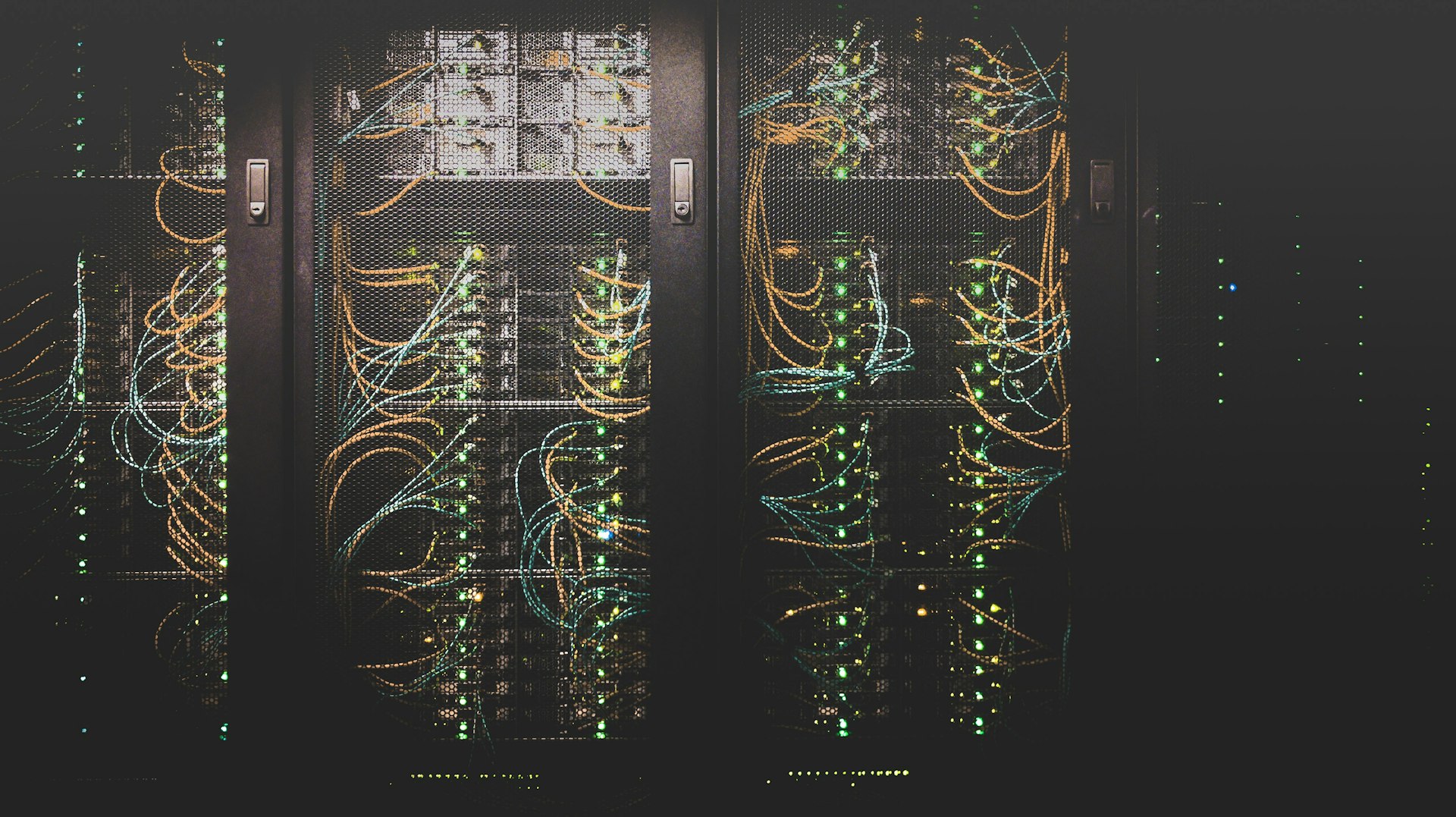
The truth is there is no cloud. There is no ethereal place in the sky where your documents and mission-critical data lounge while you sleep. Your data is likely on a blade server in a room the size of a football field, under a mountain of cement, protected by ex-military civilian contractors. And THAT is what makes guys like me sleep better at night.
Why “Just Keep It Here” Doesn’t Work Anymore
When we got our start in this business, there was no cloud. On-premises was all we had. We backed up to tape drives — where our old guys at? — and we hoped for the best.
That worked when the biggest risk was a hard drive crash. But now you’re in a world where a single weather event can knock power out for days. Where ransomware can encrypt every file on a network in under an hour. Where you’re always one missed backup and one failed drive away from actual money walking out the door.
The risk equation has shifted. On-prem feels safe because the data is close. You walk down the hall, touch the server, hear the fans humming. But proximity is not the same thing as protection. A server in your closet is exposed to everything your building is exposed to. Power outages. Flooding. Fire. Theft. And the fact that the HVAC in that closet hasn’t been serviced since the Obama administration.
There will always be some reticence about moving critical data and systems hundreds or even thousands of miles away from your office. That’s natural. But the risks at home are greater than they’ve ever been. Malware. Ransomware. Sabotage. Natural disasters. Aging infrastructure that nobody budgets to replace. The cloud really is the safer answer for all its anxiety-inducing complexity.
Where Your Data Actually Lives
When we say “the cloud,” here is what we actually mean.
Microsoft Azure operates over 60 data center regions worldwide. Amazon Web Services runs more than 30. Google Cloud is in the same ballpark. These are not server rooms in somebody’s office park. These are purpose-built facilities with redundant power supplies, diesel generators that can run for days, biometric security at every access point, and 24/7 monitoring by people whose entire job is making sure your data stays online.
Your data doesn’t just live in one of these facilities. It’s replicated. The big providers offer multiple levels of redundancy:
Locally redundant storage keeps multiple copies of your data within a single data center. If one disk fails (and disks fail constantly at scale), another copy is already there.
Geo-redundant storage copies your data to a second data center hundreds of miles away. If an entire facility goes down, your data is sitting safely in another region, ready to go.
Zone-redundant storage spreads copies across multiple independent facilities within the same region. Different buildings, different power grids, different network paths.
The point is not that any single option is perfect. The point is that the level of redundancy available to a ten-person dental office today would have cost a Fortune 500 company six figures to build fifteen years ago.
How It Actually Works (Virtual Machines in Plain English)
If you’re still on-prem, your server is a physical box. When that box dies, you’re down until somebody replaces it, rebuilds it, reinstalls everything, and restores from backup — assuming the backup works. We’ve watched businesses lose days to that sequence.
A virtual machine is the same idea, minus the physical box. Your server runs as software inside one of those data centers. Same operating system. Same files. Same applications you had before. But because it’s virtual, the things that kill physical servers can’t touch it.
Backing up a VM is a snapshot. The entire state of that machine gets captured in one image. If something goes wrong, we don’t rebuild from scratch. We restore the snapshot. What used to take a day takes less than an hour.
Scaling is a settings change. Need more processing power during tax season? We increase the allocation. Need less after the rush? Scale it back down. No new equipment to buy, wait for, rack, and configure.
And if the underlying hardware has an issue, the cloud provider moves your virtual machine to healthy hardware automatically. You don’t even know it happened.
What You’re Paying For (and What’s Still on You)
Cloud computing isn’t free, and anyone who pitches it like it is should be shown the door.
You’re paying for infrastructure you don’t have to own, maintain, cool, power, or replace. Physical security. Redundancy. Automatic failover. A team of engineers whose only job is keeping those data centers running.
What’s still on you: your data, your configurations, your user access and permissions, your compliance obligations, your backups within the cloud environment.
We explain it to every client the same way. The cloud provider owns the building. You own what’s inside your apartment. We help you lock the doors, set up the security system, and make sure you’re not leaving the stove on.
What Your Team Actually Experiences
This is the part that surprises people. After all the planning, the migration, the technical work behind the scenes, your team opens their laptops Monday morning and everything looks the same. Same login. Same files. They don’t notice.
The difference is what they don’t see. Files that live on a server in the back office now sync across devices. Remote work stops being a workaround and starts being normal. That one employee who saves everything to their desktop instead of the shared drive? Their files are now backed up automatically whether they follow the rules or not.
Software updates that require after-hours maintenance windows now happen in the background. Storage that means buying another hard drive now means adjusting a slider. The panic call at 7 AM because the server won’t boot just stops happening.
The “Almost” in the Title
We said almost everyone. Here is the honest caveat.
Some industries run specialized software that really does require on-premises hardware. Manufacturing environments often have operational technology that can’t move to the cloud and shouldn’t. And some organizations have compliance requirements that dictate exactly where data lives and how it’s accessed.
For those situations, the answer is usually hybrid. Some things move, some things stay, and the architecture accounts for both. Any provider who tells you it’s all-or-nothing hasn’t done enough of these to know better.
But for most small and mid-size businesses? Medical practices, dental offices, law firms, professional services firms? The question isn’t whether the cloud makes sense. It’s why you haven’t moved yet.
We’ve done enough of these to know the answer. It’s usually some version of: nobody sat down and explained what it would actually look like. What moves. What stays. What it costs. How long it takes. What happens if something goes wrong.
That’s the conversation we have. And if your business still runs on a file server in the back office and you’ve been wondering what the move actually looks like — no jargon, no pressure — we’re happy to walk through it.